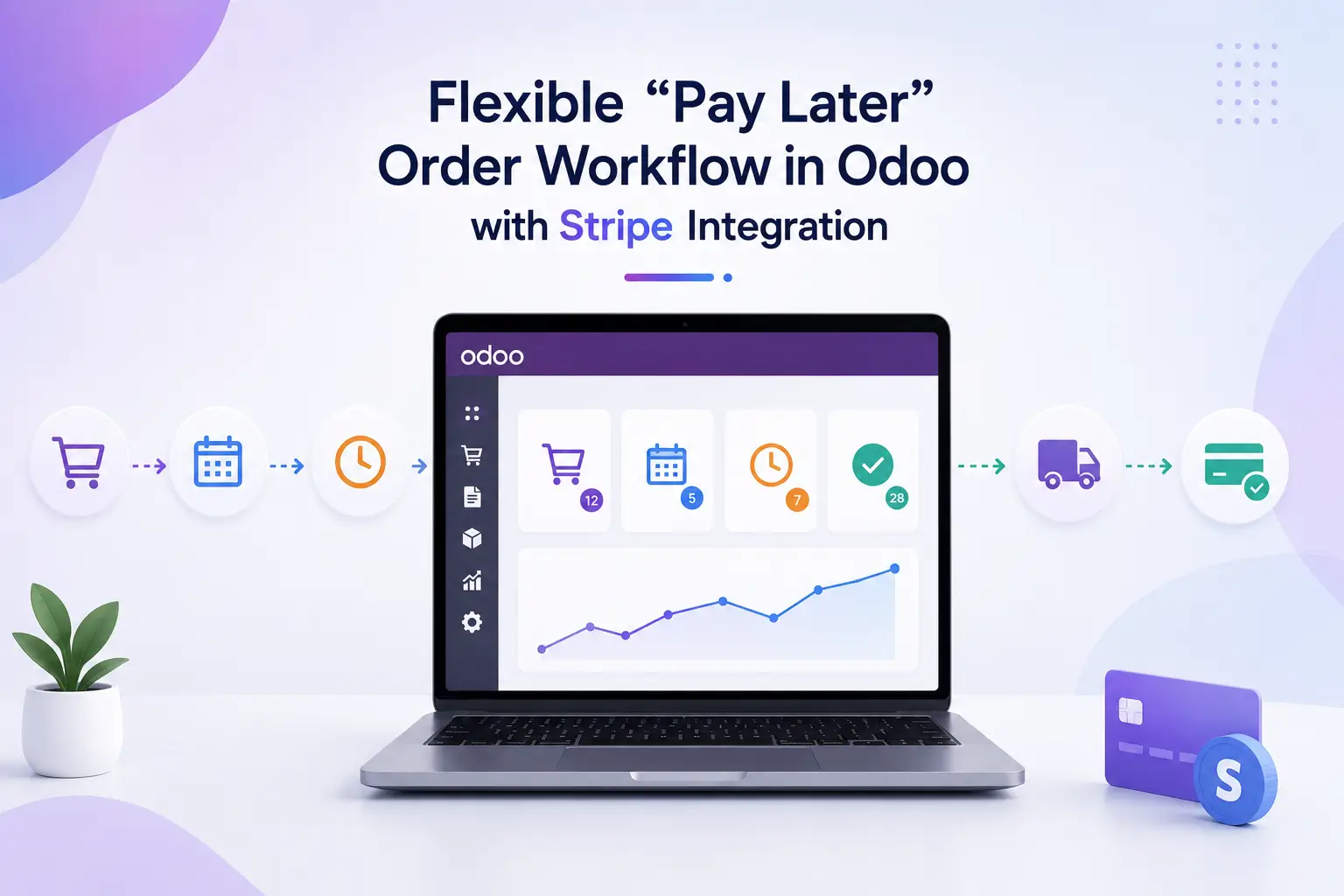
Flexible “Pay Later” Order Workflow in Odoo with Stripe Integration
In many industries, especially B2B and high-value transactions, customers prefer to place orders without immediate payment. This workflow enables businesses to process, deliver, and invoice orders first, and then collect payment via secure Stripe payment links or saved card tokens.
AERO Phoenix, a global wholesale distributor of premium pilot supplies, serves a diverse network of resellers, flight schools, and FBOs with a strong focus on quality, reliability, and partner satisfaction. With a wide-ranging catalog that includes pilot uniforms, epaulets, ties, and RAM Mount products for aviation and off-road use, their operations require a highly flexible and scalable system. To support their growing B2B ecosystem, AERO Phoenix needed an advanced Odoo wholesale management solution that enables customers to place orders without upfront payment, while ensuring internal control over order validation, delivery, and invoicing.
🔄 End-to-End Workflow
Step 1: Customer Places Order (Odoo Website)
Customer browses products and adds items to cart
At checkout, selects “Skip Payment / Pay Later” option
Order is successfully placed without payment
Sales Order is created in Odoo with status: Quotation Sent
Step 2: Smart Sales Verification with Credit Limit ControlSales team reviews
💳 Credit Limit Management (NEW)
Before confirming the order, the system automatically evaluates:
Total outstanding receivables
Current order value
Defined credit limit per customer
📌 Scenarios:
✅ Within limit → Order confirmed
⚠️ Near limit → Warning to sales team
❌ Exceeds limit → Block or require approval
👉 This prevents:
Bad debts
Over-exposure to risky customers
✅ This ensures control over risky or high-value transactions
Step 3: Warehouse Processing & Delivery
Warehouse team:
Checks product availability
Performs picking, packing, and shipping
Delivery Order is validated based on actual shipped quantity
📌 Supports:
Partial deliveries
Backorders
Multi-warehouse logic
Step 4: Invoice Generation (Based on Delivered Quantity)
Invoice is generated only for delivered items
Ensures accurate billing (no overcharging)
Invoice status: Draft → Validated
Step 5: Payment Link Generation (Stripe Integration)
Once invoice is validated:
System generates a Stripe Payment Link
Options available:
Send Payment Link to Customer
Charge Saved Card (Tokenization)
Customer Pays via Link (Card Entry)
📌 Secure & flexible payment collection
Step 6: Payment Collection
Customer receives payment link via:
Customer Portal
Customer completes payment:
Using saved card OR
Entering new card details
Step 7: Automated Payment Reminder System
System automatically sends reminders based on due dates:
Reminder Flow:
📅 Before Due Date → Friendly reminder
📅 On Due Date → Payment notification
📅 After Due Date → Overdue alert
WhatsApp (optional integration)
Customer portal notifications
Reduces manual follow-ups
Improves collection efficiency
Keeps customers informed
Step 8: Payment Reconciliation
Payment automatically synced in Odoo
Invoice marked as Paid
Accounting entries posted
💡 Key Features & Benefits

Ideal Industries for This Workflow
B2B Wholesale & Distribution
Bulk orders,Credit-based customers,Negotiated pricing
Building Materials
Order now, deliver later.Invoice based on actual delivered quantity
Automotive Parts & Spare Parts
Made-to-order products.Payment after delivery or approval
Custom Furniture Production
Made-to-order products.Payment after delivery or approval
Industrial Equipment Suppliers
High-value orders.Requires manual approval before fulfillment
B2B eCommerce Platforms
Hybrid model (B2C + B2B).Pay later option for trusted customers
This enhanced Odoo workflow transforms your business into a smart financial ecosystem where:
Customers enjoy flexibility
Sales teams maintain control
Finance teams get faster collections
By combining Credit Management + Payment Automation + Stripe Integration, you create a future-ready Order-to-Cash process.