






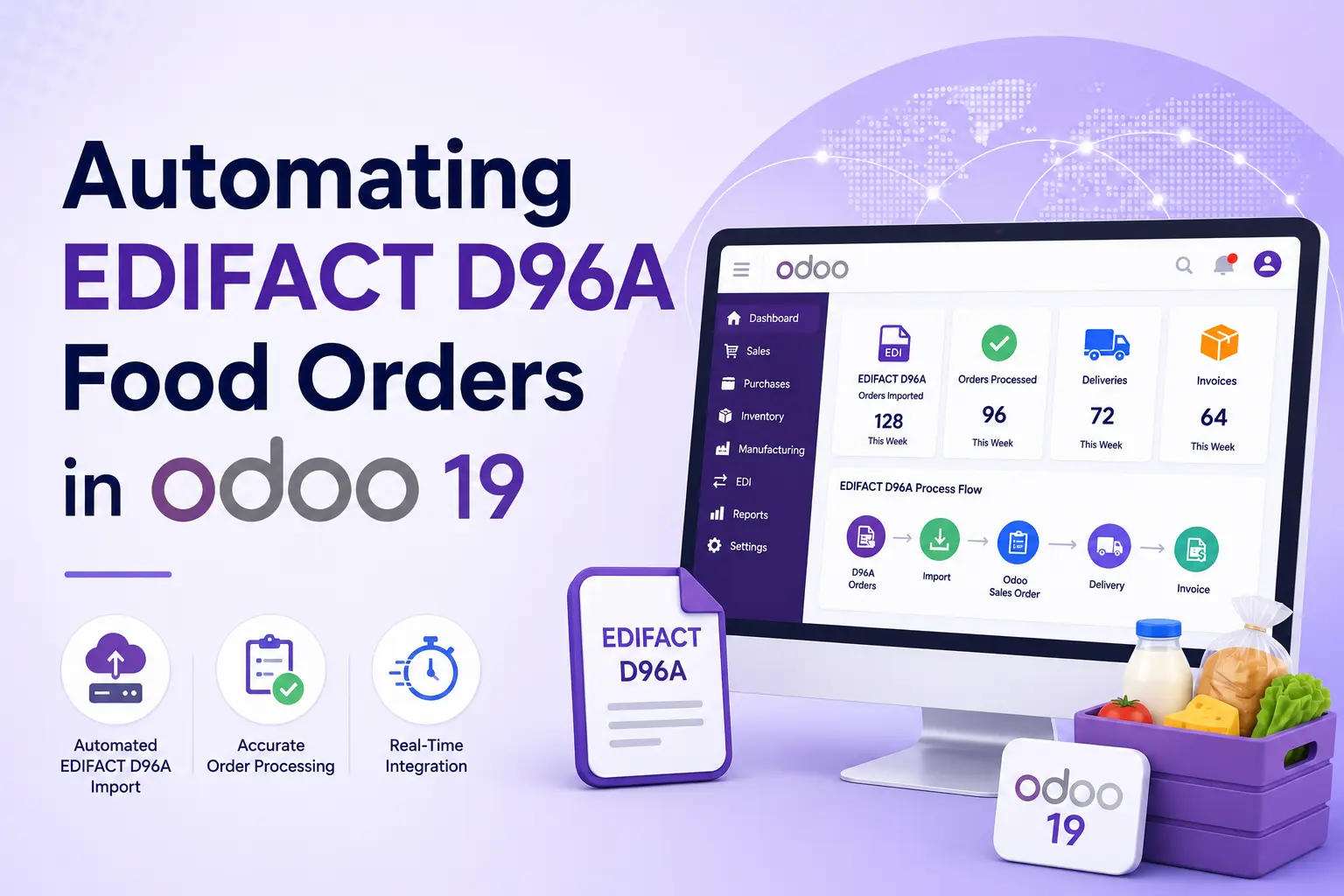
Automating EDIFACT D96A Food Orders in Odoo 19
How Vraja Technologies Helped a French Food Manufacturer Automate EDI Order Processing
A food manufacturer in France receives regular purchase orders from multiple customers through EDIFACT D96A files. Previously, employees had to download these order files, review the information, identify the correct customer and delivery address, and manually create sales orders in Odoo.
Vraja Technologies implemented an automated Odoo EDI integration that downloads incoming order files from the SFTP directory, processes the EDIFACT data, identifies the relevant customer and delivery contact, matches ordered products, and automatically creates sales orders in Odoo 19.
Project Information
Business Challenges
The company receives EDIFACT D96A purchase orders from multiple customers.
Before the integration, employees had to perform the complete process manually:
- Connect to the external SFTP directory
- Download incoming EDIFACT order files
- Review customer and delivery information
- Identify the correct customer in Odoo
- Match external product codes with Odoo products
- Enter quantities, prices, and requested delivery dates
- Create sales orders manually
- Check whether an order had already been processed
- Resolve missing product or customer information
This process required significant manual effort and increased the possibility of incorrect customers, products, quantities, or delivery addresses being added to sales orders.
As the number of orders increased, the company needed a faster and more reliable way to process EDI orders in Odoo.
Solution Provided by Vraja Technologies
Vraja Technologies connected the company’s SFTP-based EDI process directly with Odoo 19.
The solution automatically retrieves incoming EDIFACT D96A ORDERS files from the configured SFTP directory and processes them inside Odoo.
The automated workflow is:
Once a new file is received, the integration performs the required validations and creates the corresponding sales order automatically.
Automatic EDI Order Import
The system regularly checks the configured SFTP directory for new order files.
When a new EDIFACT D96A ORDERS file is available, Odoo automatically downloads and processes it.
The integration reads important order information, including:
- Customer purchase order number
- Order date
- Requested delivery date
- Buyer identifier
- Supplier identifier
- Delivery location
- Product barcode or EAN
- Customer-specific product code
- Product description
- Ordered quantity
- Unit of measure
Employees no longer need to download and review every file manually.
Customer and Delivery Contact Mapping
The company receives orders from multiple customers, with each customer potentially having different stores, warehouses, or delivery locations.
The integration uses identifiers from the EDI document to find the correct records in Odoo.
It can automatically identify:
- Customer account
- Parent company
- Delivery contact
- Delivery warehouse
- Invoice contact
- Customer-specific configuration
The correct customer and delivery address are then assigned to the sales order.
This reduces the risk of creating an order for the wrong customer or shipping products to an incorrect location.
Product Mapping
Customers may use EAN codes, barcodes, or their own product references instead of the company’s internal Odoo product codes.
Vraja Technologies configured product mapping so that incoming EDI product identifiers can be matched with the correct Odoo products.
Products can be identified using:
- EAN
- GTIN
- Barcode
- Internal product reference
- Customer-specific product code
Once the correct product is found, it is automatically added to the sales order with the ordered quantity.
Automatic Sales Order Creation
After successfully validating the customer, delivery address, and products, the integration automatically creates a sales order in Odoo 19.
The generated sales order includes:
- Customer
- Delivery address
- Customer purchase order number
- Order date
- Requested delivery date
- Products
- Ordered quantities
- Unit of measure
- Customer references
- Original EDI transaction details
The sales team only needs to review the order when required and continue with the normal Odoo confirmation, inventory, delivery, and invoicing workflow.
Duplicate Order Prevention
Before creating a sales order, the system checks whether the same EDI file or purchase order number has already been processed.
If the order already exists, Odoo prevents the creation of a duplicate sales order.
This helps avoid:
- Duplicate customer orders
- Duplicate stock reservations
- Duplicate deliveries
- Duplicate invoices
Error and Exception Management
Some EDI files may contain information that is not yet configured in Odoo, such as:
- Unknown customer identifier
- Missing delivery contact
- Unknown product code
- Incorrect barcode
- Unsupported unit of measure
- Missing mandatory information
- Invalid order quantity
When this happens, the integration records the error in Odoo instead of creating an incorrect sales order.
Users can review the issue, update the required mapping, and reprocess the order.
This allows the company to focus only on exceptions while valid orders continue to be processed automatically.
Automated Workflow in Odoo
After the implementation, the company’s order process became:
1. A customer sends an EDIFACT D96A order.
2. The order file is placed in the configured SFTP directory.
3. Odoo automatically downloads the file.
4. The EDIFACT order is parsed and validated.
5. The correct customer is identified.
6. The appropriate delivery contact is assigned.
7. EDI product codes are matched with Odoo products.
8. Ordered quantities and delivery dates are imported.
9. A sales order is created automatically.
10. The sales and warehouse teams continue processing the order in Odoo.
11. Successfully processed files are recorded to prevent duplicate imports.
12. Transactions containing errors are available for review and reprocessing.
How the Solution Helps the Company Run Smoothly
Faster Order Processing
Orders are imported as soon as files become available in the SFTP directory. Employees no longer need to download and enter every order manually.
Reduced Manual Data Entry
Customer, product, quantity, purchase order, and delivery information is transferred directly from the EDIFACT document into Odoo.
Improved Order Accuracy
Automatic customer, address, and product mapping reduces manual selection errors.
Centralized Order Management
All imported orders are managed through Odoo Sales, Inventory, Delivery, and Invoicing.
The company does not need a separate manual process for EDI orders.
Better Inventory Coordination
Once a sales order is created, Odoo can immediately reserve available inventory and provide visibility into stock shortages, incoming quantities, and expected availability.
Improved Traceability
Each Odoo order can retain the customer purchase order reference and related EDI transaction details.
This makes it easier to track the original file and investigate any issue.
Scalable EDI Operations
The company can process a growing number of customer orders without increasing the same level of manual administrative work.
Additional customers, delivery locations, and product mappings can also be configured as the business expands.
Business Benefits
The Odoo EDIFACT integration provided the food manufacturer with:
Automatic EDIFACT D96A order imports
Automatic sales order creation
Faster customer order processing
Reduced manual data entry
Accurate customer and delivery-address mapping
Automated product matching
Duplicate order prevention
Better error visibility
Improved inventory coordination
Centralized sales and fulfilment operations
A scalable EDI process for multiple customers
Final Result
Vraja Technologies transformed the company’s manual EDI order process into an automated workflow in Odoo 19.
Previously, employees had to download EDIFACT files, review order details, identify customers and products, and manually create sales orders.
After the implementation, Odoo automatically retrieves EDIFACT D96A ORDERS files from the SFTP directory, validates the information, assigns the relevant customer and delivery contact, maps products, and creates sales orders.
The company’s 15 Odoo users can now manage EDI orders, inventory, warehouse fulfilment, deliveries, and invoicing from one centralized platform.
This solution helped the French food manufacturer reduce manual work, improve order accuracy, process customer orders faster, and run its daily operations more smoothly in Odoo.

