






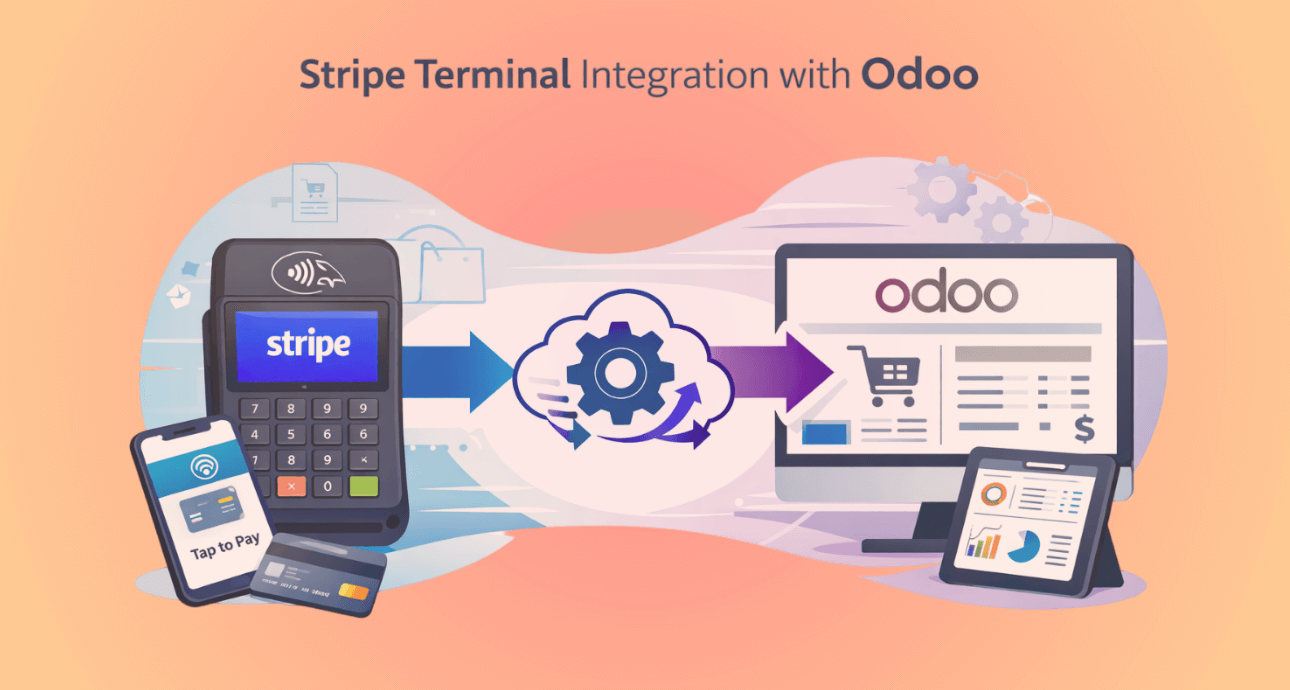
Stripe Terminal Integration with Odoo: In-Person Payments Made Easy
Modern businesses require flexible payment solutions that work both online and in physical locations. Retail stores, service companies, and warehouses often need to collect payments directly from customers using card readers or POS devices.
Stripe Terminal is designed specifically for this purpose. It allows businesses to securely accept in-person payments using Stripe-certified card readers, while maintaining complete control over payment processing within their own systems.
When integrated with Odoo ERP, Stripe Terminal enables businesses to collect payments directly from Sales Orders, Invoices while automatically recording payments in the accounting system.
At Vraja Technologies, we developed a dedicated integration module that connects Stripe with Odoo seamlessly.
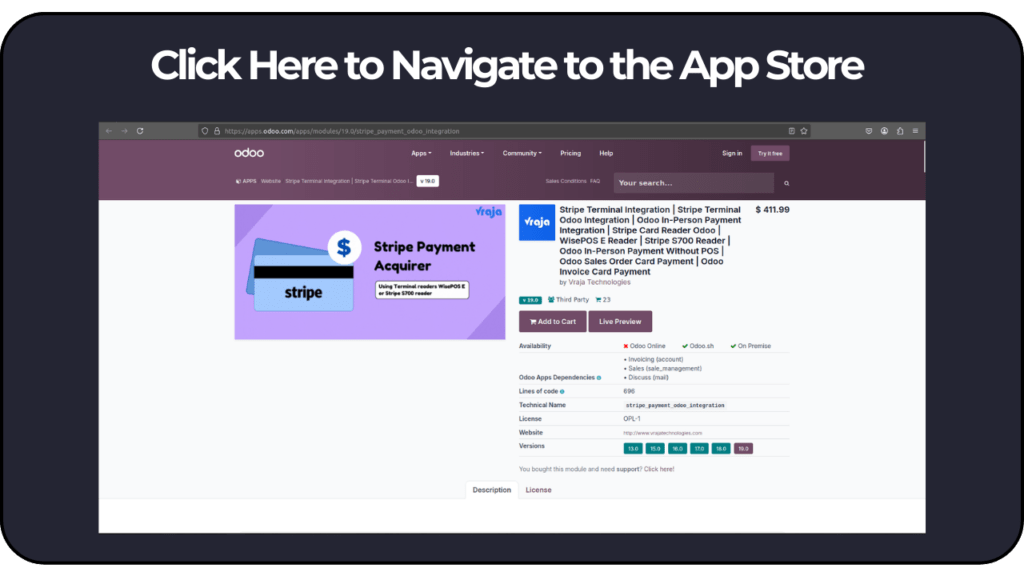
This integration allows companies to accept online payments, in-person card payments, and stored card payments directly from the Odoo backend.
What is Stripe Terminal?
Stripe Terminal is a hardware and software solution provided by Stripe that allows businesses to accept in-person payments using physical card readers.
Unlike traditional POS systems, Stripe Terminal works through APIs, which means it can be fully integrated into custom ERP systems like Odoo.
With Stripe Terminal you can:
- Accept chip cards
- Accept contactless payments (Apple Pay, Google Pay)
- Accept tap-to-pay cards
- Process payments securely via Stripe
All transactions are processed through Stripe’s payment infrastructure and automatically synchronized with your system.
Supported Stripe Terminal Readers
Stripe provides several certified hardware readers that support Stripe Terminal.
BBPOS WisePOS E
Stripe S700 Smart Reader
Why Businesses Use Stripe Terminal
Stripe Terminal is widely used in industries such as:
- Retail stores
- Electronics shops
- Service businesses
- Automotive repair shops
- AC & HVAC service companies
- Restaurants and cafes
- Warehouses and distribution centers
These businesses need a fast and secure way to accept payments directly from customers at physical locations.
Stripe Terminal solves this problem by enabling secure card-present payments that integrate with business systems like Odoo.
Stripe Terminal Workflow in Odoo
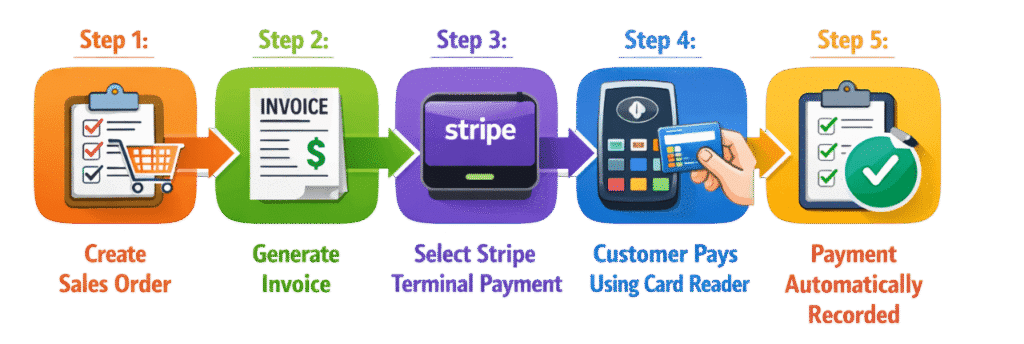
Step 1: Create Sales Order
A salesperson creates a Sales Order in Odoo for the customer.
Example:
Customer: John Smith
Product: Air Conditioner
Total Amount: $450
Step 2: Generate Invoice
Once the order is confirmed, Odoo generates an invoice.
The invoice includes payment options powered by Stripe.
Step 3: Select Stripe Terminal Payment
At the time of payment, the user selects Stripe Terminal as the payment method.
Odoo communicates with Stripe and sends the payment request to the card reader.
Step 4: Customer Pays Using Card Reader
- Chip card
- Contactless card
- Apple Pay
- Google Pay
Step 5: Payment Automatically Recorded
- Odoo marks the invoice as Paid
- Payment entry is created in Accounting
- Transaction is recorded in Stripe Dashboard
Benefits of Stripe Terminal Integration with Odoo
1. Real-Time Payment Recording
Payments are automatically updated in Odoo accounting.
2. Faster Checkout Process
3. Secure Payment Processing
4. Centralized Payment Management
All payments are tracked in:
- Odoo Sales
- Odoo Invoices
- Odoo Accounting
- Stripe Dashboard
5. Ideal for Retail and Service Businesses
- Store counters
- Service locations
- Delivery points
Store Customer Card for Future Payments
Stripe also provides a powerful feature called Customer Card Storage.
This allows businesses to securely save customer payment methods in Stripe for future transactions.
Instead of asking the customer to provide the card every time, businesses can charge the saved card directly.
Stripe securely stores the card using tokenization, meaning the actual card number is never stored in Odoo.
Step 1: Customer Makes First Payment
The customer pays using a Stripe payment link or checkout page.
During this payment:
Stripe stores the card securely in the Customer Profile.
Step 2: Card Saved in Stripe Customer Profile
Stripe attaches the card to the Stripe Customer ID.
Example:
Customer: John Smith
Saved Card: Visa **** 4242
Step 3: Generate Payment Link in Odoo
Later, if the customer has an outstanding invoice, Odoo can generate a Stripe Payment Link.
The customer receives a payment request via:
- SMS
- Customer portal
Step 4: Charge Using Saved Card
If the customer previously saved the card, Stripe can automatically process the payment using the stored card.
This means the customer does not need to physically present the card again.
This feature is extremely useful for:
- Subscription payments
- Repeat customers
- Service contracts
- B2B invoicing
Stripe Terminal provides businesses with a modern way to accept secure in-person payments using Stripe-certified card readers. When combined with Odoo ERP, it creates a powerful payment ecosystem where sales, invoicing, accounting, and payments are fully synchronized.
With the help of Vraja Technologies’ Stripe Odoo Integration, businesses can process payments through Stripe Terminal devices, making payment collection faster, easier, and more secure.
Whether you run a retail store, service company, or distribution business, integrating Stripe Terminal with Odoo ensures a seamless payment experience for both your staff and customers.



06 Comments
cialis user reviews
03/05/2026cialis user reviews
cialis user reviews
udenafil tablets uses
03/05/2026udenafil tablets uses
udenafil tablets uses
finasteride reviews reddit
14/05/2026finasteride reviews reddit
finasteride reviews reddit
sémaglutide nom commercial
15/05/2026sémaglutide nom commercial
sémaglutide nom commercial
diet pill xenical
17/05/2026diet pill xenical
diet pill xenical
augmentin vs amoxicillin for dental infections
04/08/2026augmentin vs amoxicillin for dental infections
augmentin vs amoxicillin for dental infections